Portfolio

This page contains some of the projects I have worked on. In the future, it will contain evidence from all my major disciplines (Mobile, Database, Web, and Desktop Applications). The works are added as they become ready.

Desktop Applications

Video showing off a feature for clients that would assist them in planning and tracking their task-based activities for the workers who aren't simply paid via hours worked, ideal for farm or field staff. Some features not shown in the interest of time.

Development Information

Completion Status: Complete
Development Time: 3 Months
Completion Date: June 2020
ews-job-cards-feature

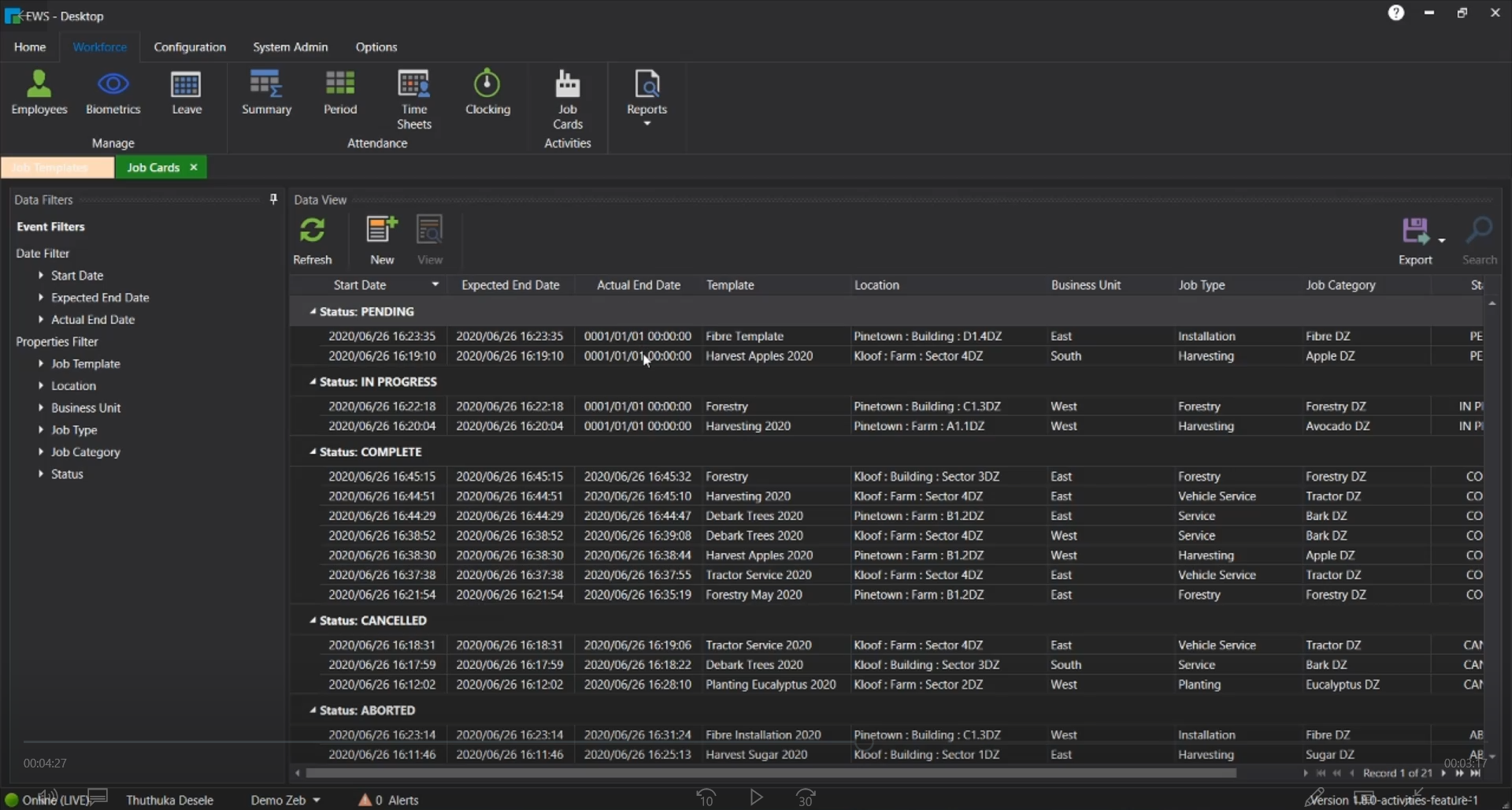
The main portion of the Job Cards feature. This is where most of the time will be spent once the masters are set up. It shows all work the order of PENDING, IN-PROGRESS, COMPLETE, CANCELLED and ABORTED for easier navigation. The pane on the left allows the user to further filter down the visible results.
ews-job-card-details

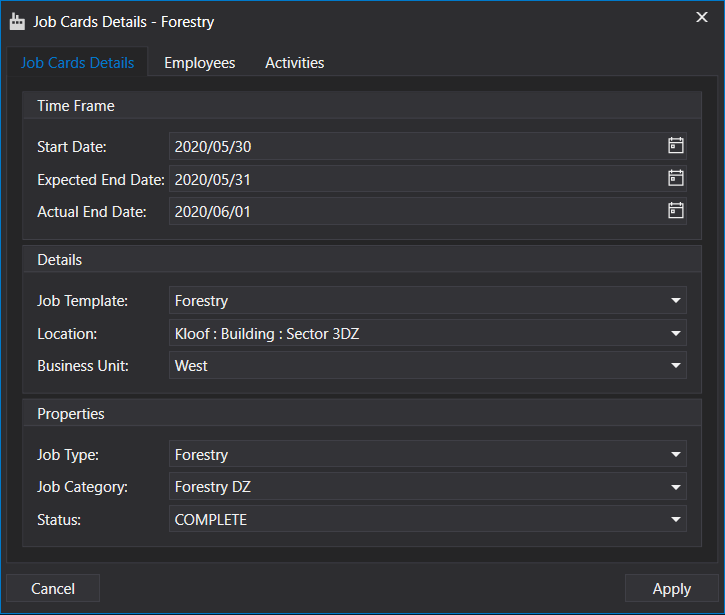
The details window of the Job Cards. When creating a new Job Card many of the fields are blank vs when editing/updating an existing one as shown above. The employees' section shows the linked employees and the activities shows the linked activities. each employee has their record of the activities to facilitate tracking their work progress.
ews-job-template

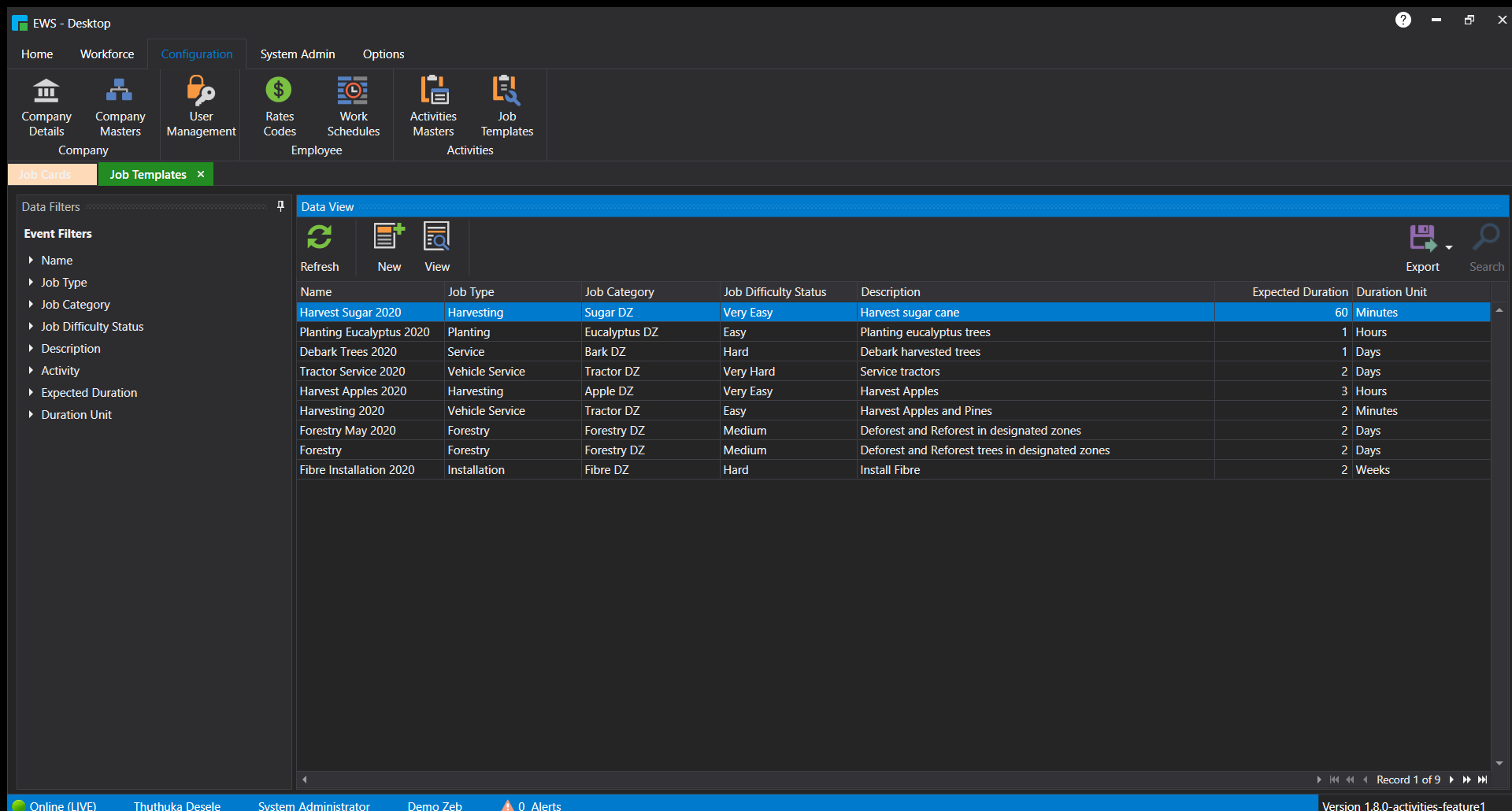
This shows the Job Templates. These are used to create templates for the job cards so that creating job cards is quicker since all they need is to select the dates, template and employees. Everything else is auto-completed based on the template selection.
ews-job-template-details

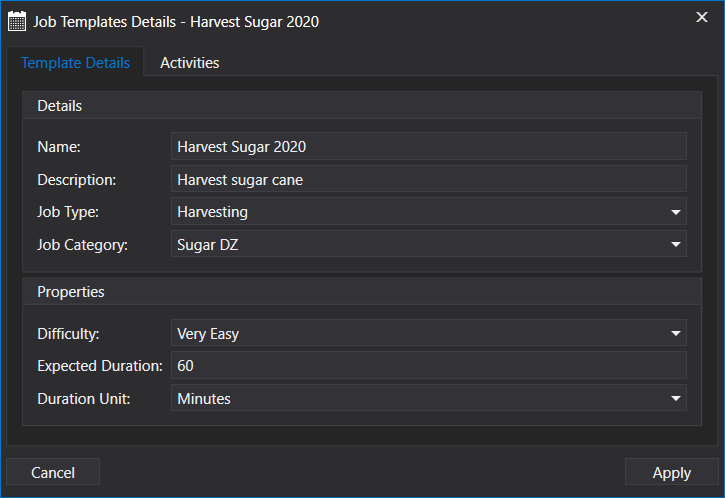
The Job Template Details window. The activities section holds the individual activities related to that template and those have specific values. For instance, installing fibre in different areas will generally take the same activities and so they are kept in the same template.

ews-checkin-feature

A device monitoring feature. The first feature I completed. It was a revamp of an existing feature and so it took me about 1 Week to complete. Improvements made were the adjustments to the UI and improvements to the data selection process to reduce long load times.

ews-sourcetree

This image shows off some experience where I am utilizing Sourcetree which was linked to the companies Bitbucket account.
Web Applications

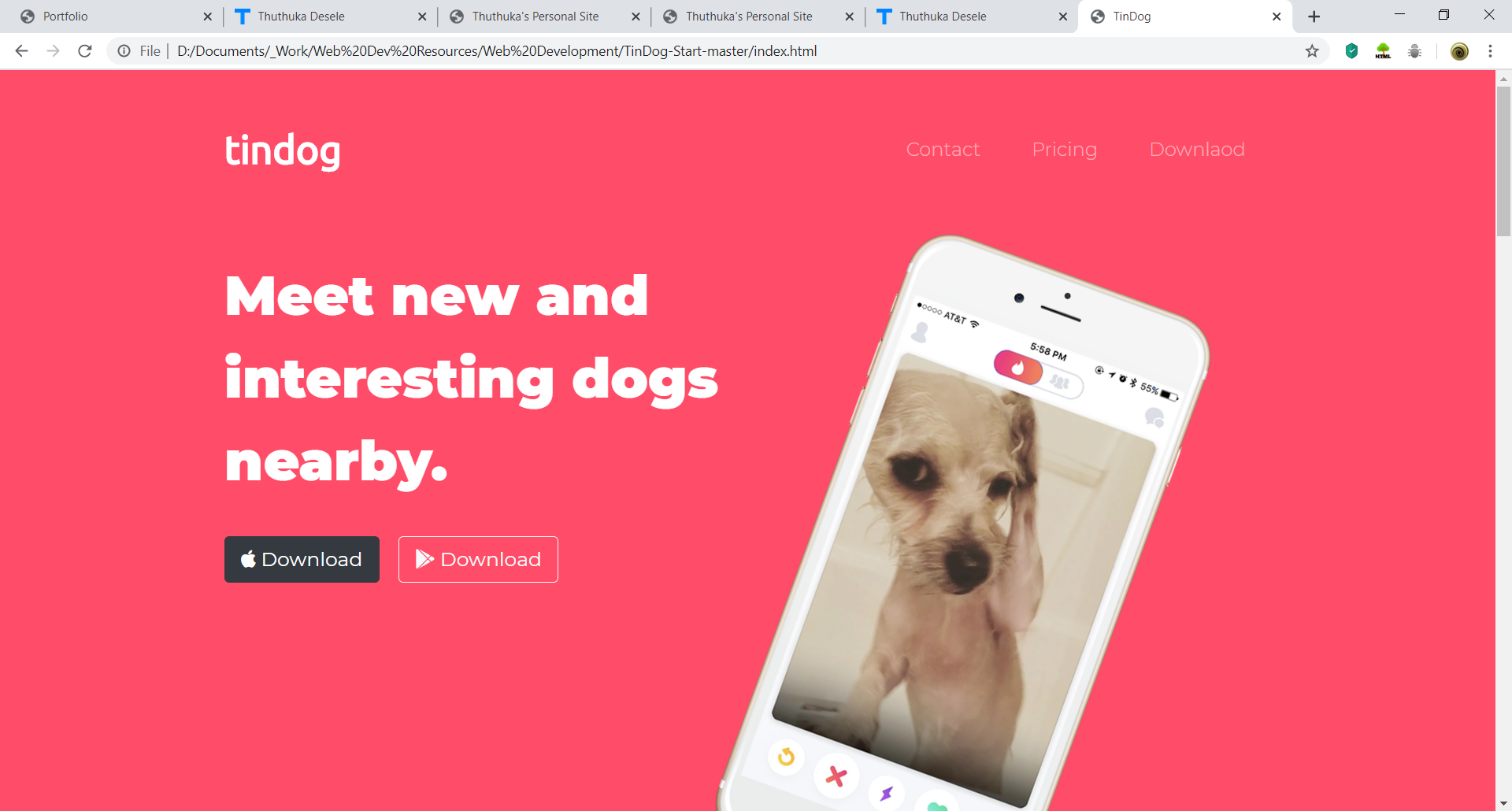
A landscape view of the tindog website.

Note: This is used for educational purposes only. The site idea is not mine, though the work is.

Development Information

Completion Status: Complete
Development Time: 2 Weeks
Completion Date: January 2020

A portrait view of the tindog website, suitable for mobile and tablet displays.

Note: This is used for educational purposes only. The site idea is not mine, though the work is.

Development Information

Completion Status: Complete
Development Time: 2 Weeks
Completion Date: January 2020

w-app1

The top of the tindog website. Shows off the layout mad ethrough CSS3 and the Bootstrap 4 (navbar and buttons) implementation.

w-app2

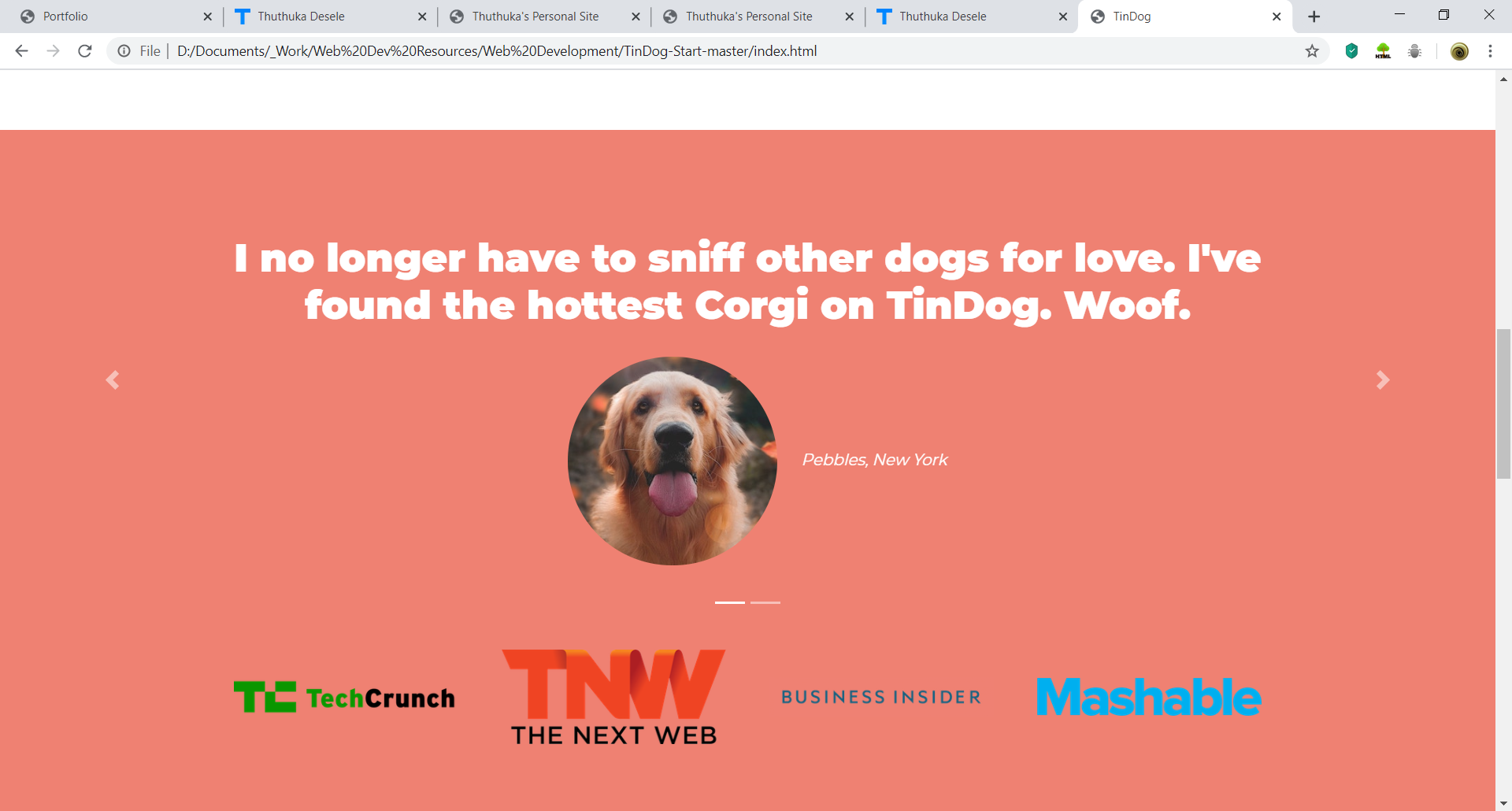
The midsection of the tindog website. Shows off the Bootstrap 4 implementation using a carousel implementation

w-app3

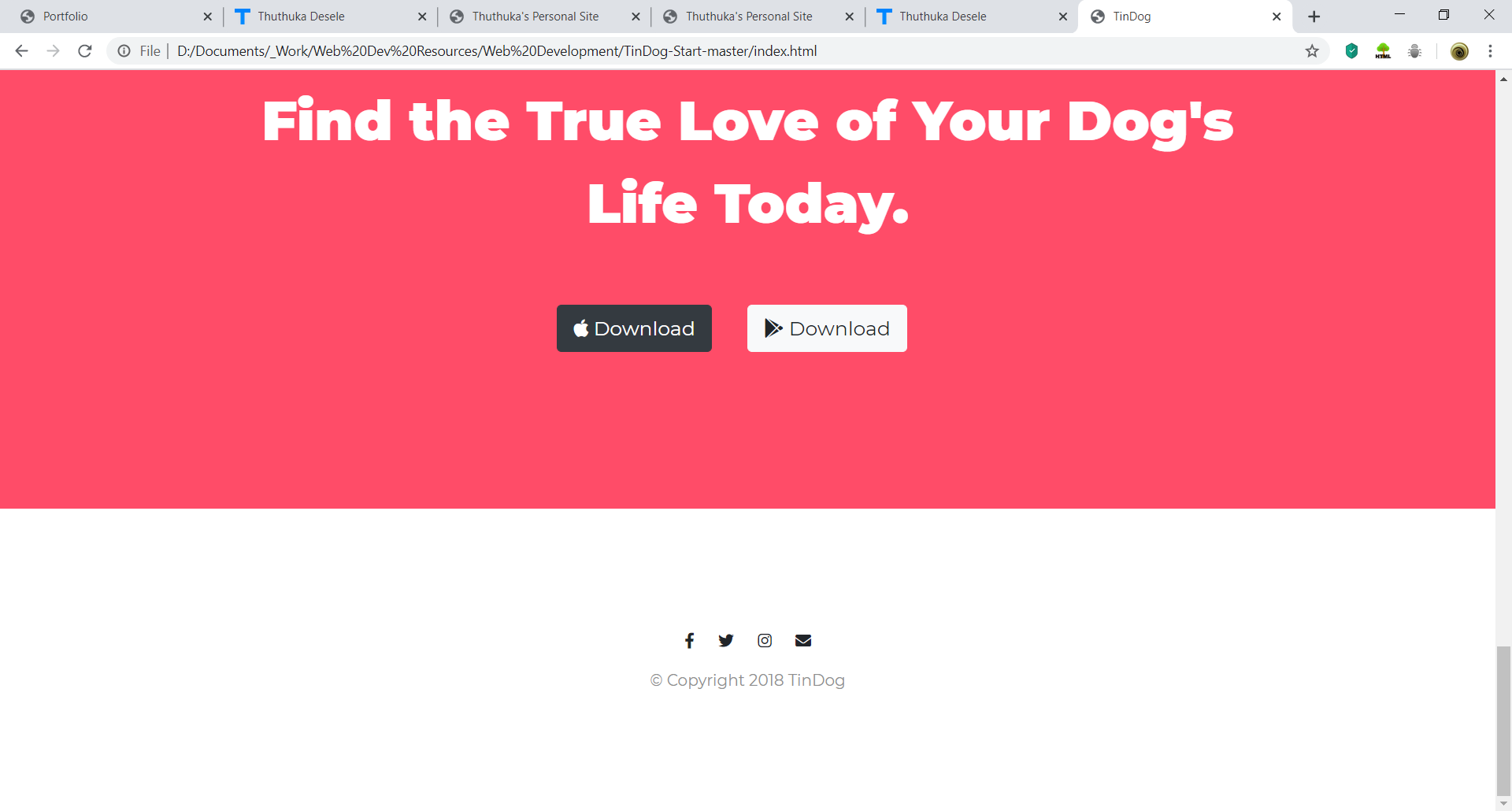
The bottom of the tindog website. Showing off an understanding of CSS3 and Bootstrap 4 through layouts, buttons and icons.

Mobile

Video showing the bank app running in an emulator. It covers most of the features including, but not limited to, login (Firebase Authentication), purchasing, transactions, payments, and account history. Other features the app includes that are not shown are SMS notifications, registration and OTP (One-Time-Pin) functionality.

Note: This is a first version prototype, and a new and improved version will be completed in 2020. A practical version will also be released on the Google PlayStore.

Development Information

Completion Status: Version 1
Development Time: 3 Months
Completion Date: May 2019

m-app1

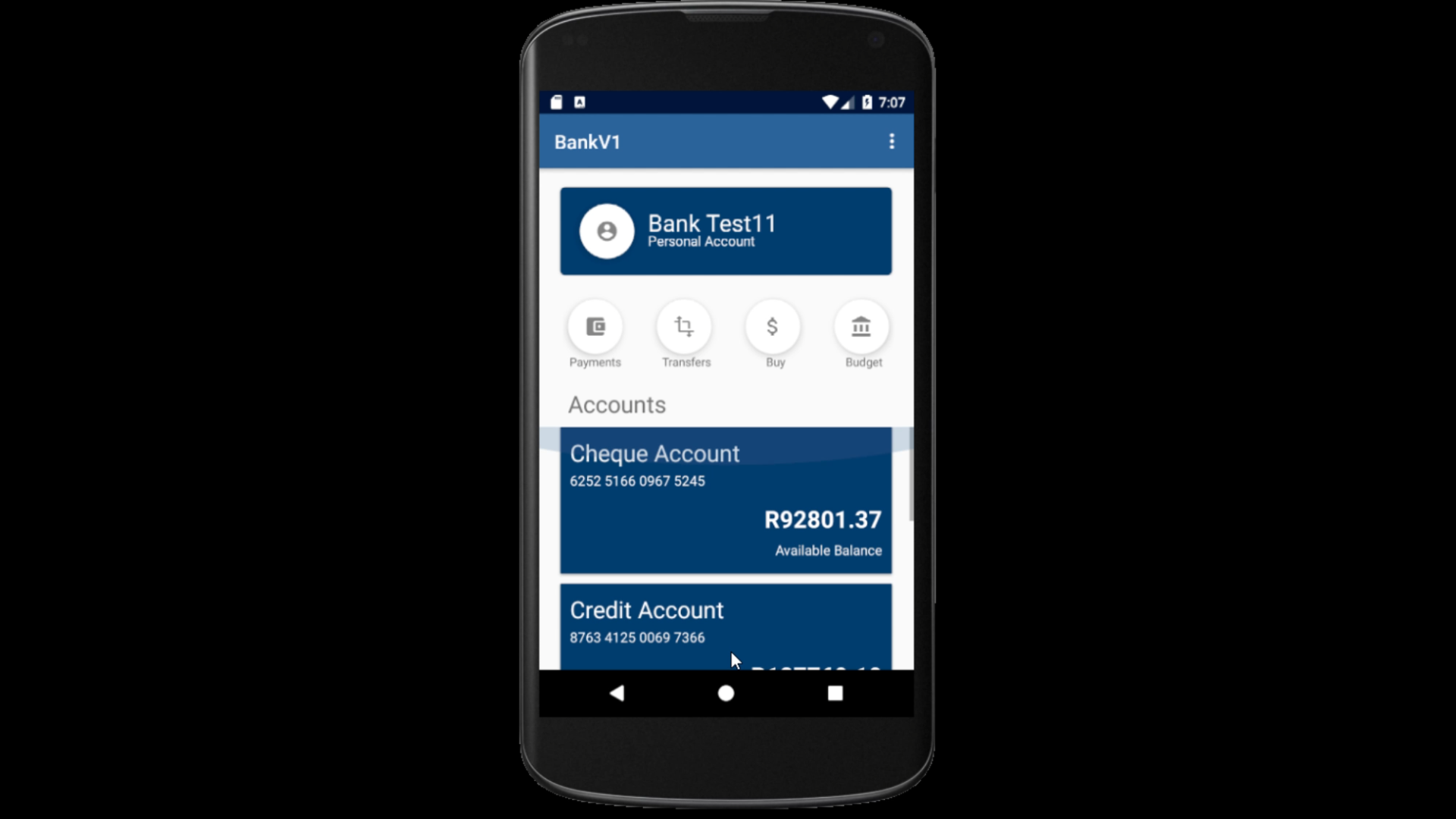
Home page of the Bank App. Shows of the logged-in user's name and icon (placeholder) along with their accounts encased in a Recycler View. Towards the top section is the major functionality buttons which include Payments, Transactions, Purchases, and Budgeting (placeholder).

m-app2

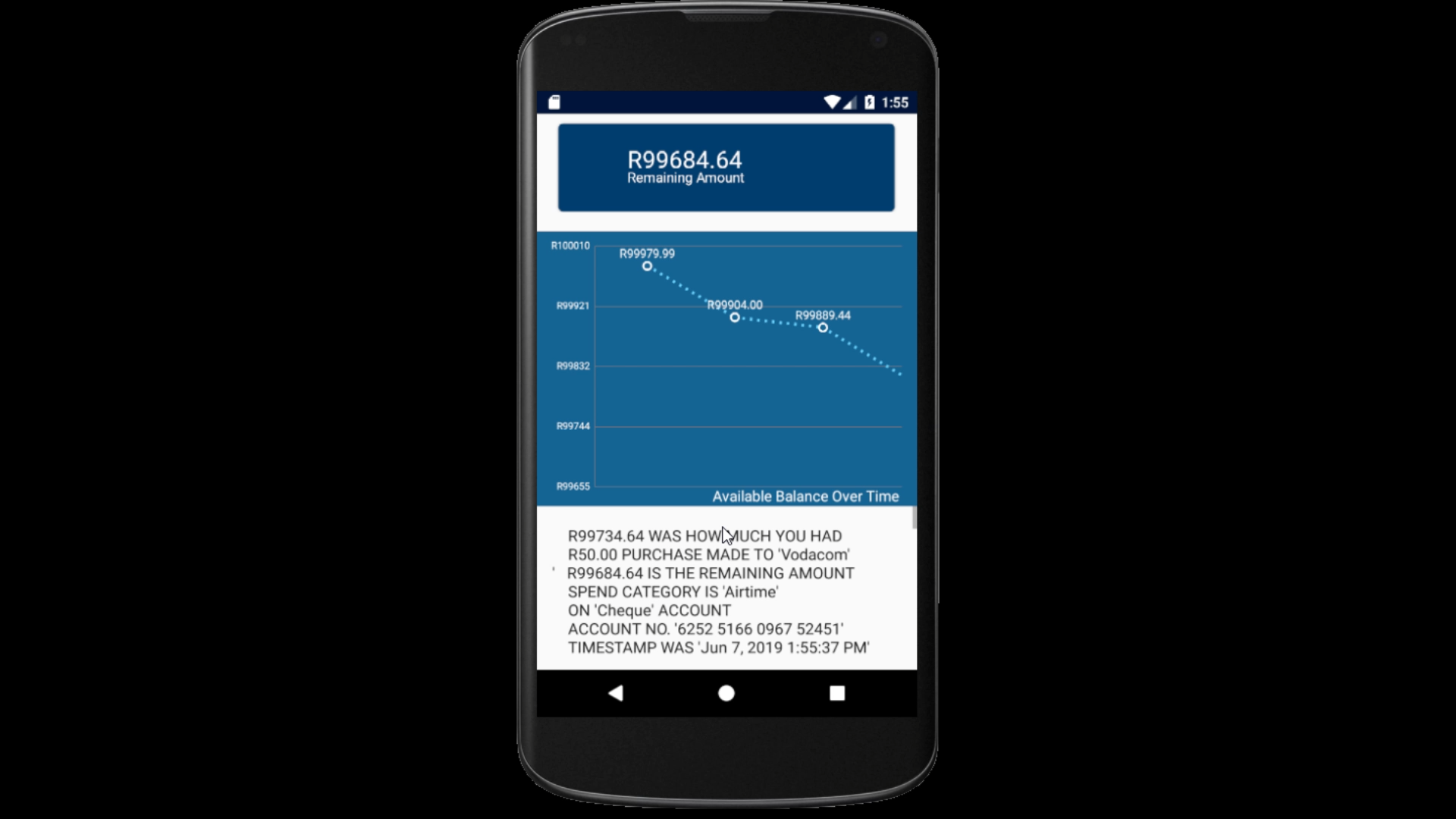
The Transaction History page of the Bank App. This page is reached by clicking on one of the accounts on the home page, each having its transaction history. Includes a line graph that accurately keeps track of the money flow within the app related to the account. Below that is the list view which holds extra details such as the previous amount, amount change, new the amount, spend category, account category, account number, and timestamp information.

m-app3

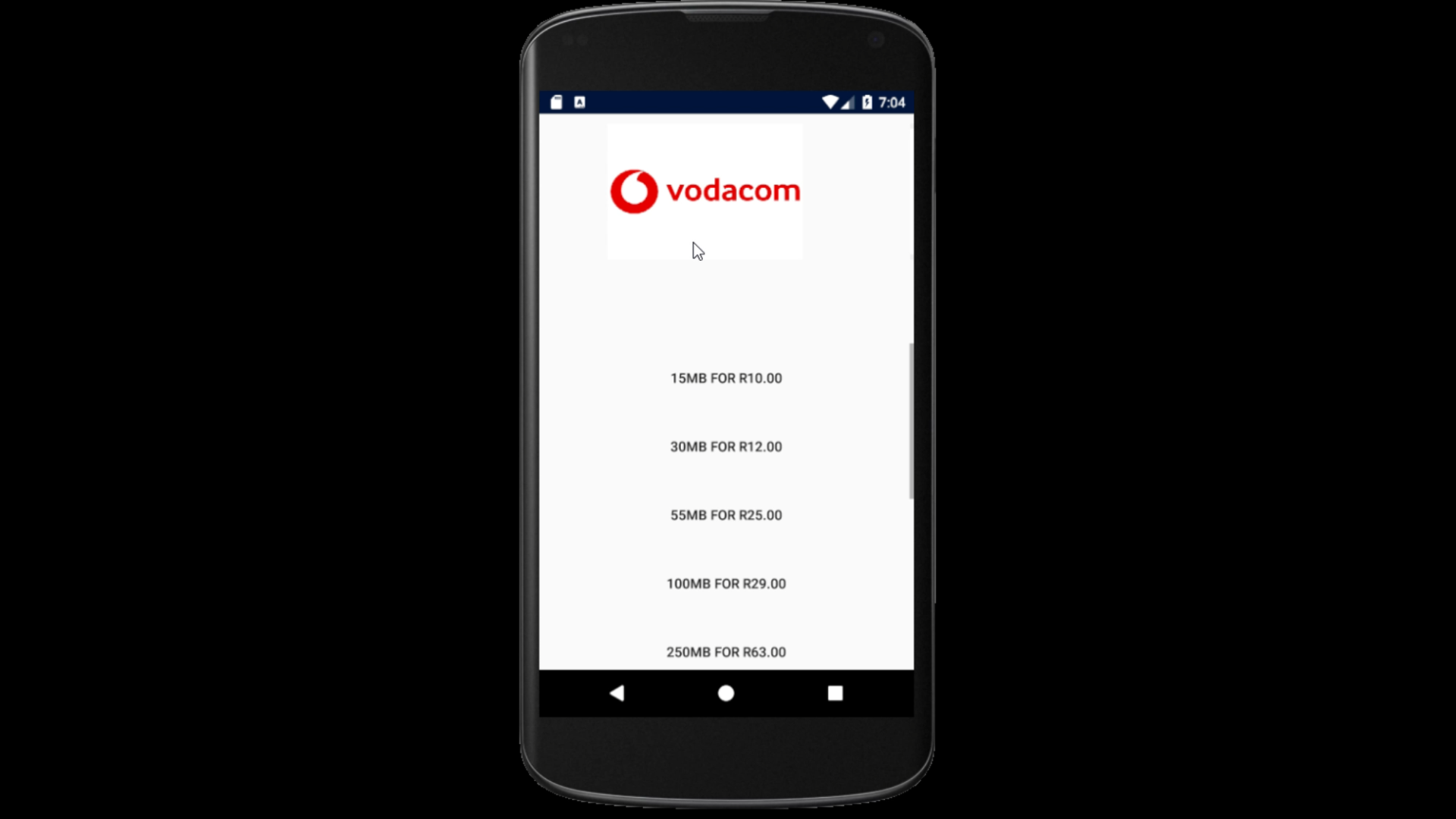
The data purchase page shows how the interface will look when the user attempts to purchase data for their specific carrier. The the top portion is a horizontal scroll view showing the carriers while the lower portion is a vertical scroll view showing the data and the price.